Instructions for Applying for the EPA Initial Firm Certification for Renovations
Begin at: http://www2.epa.gov/lead/getcertified and click on the link in Step 2: APPLY FOR FIRM CERTIFICATION/RECERTIFICATION ONLINE
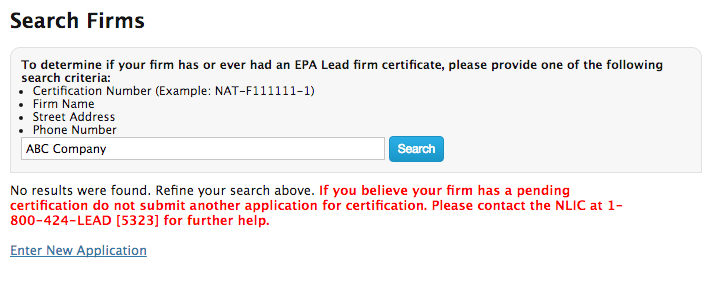
1. Enter your company name into the Search bar. If it has not been registered with EPA before, a new application link will appear:
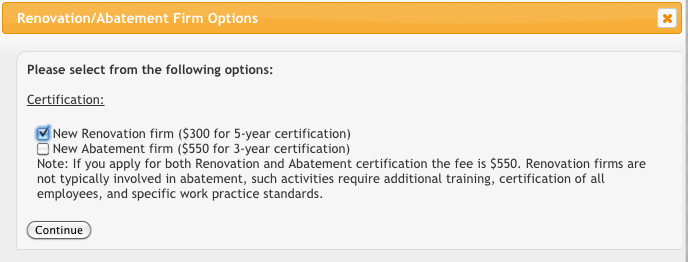
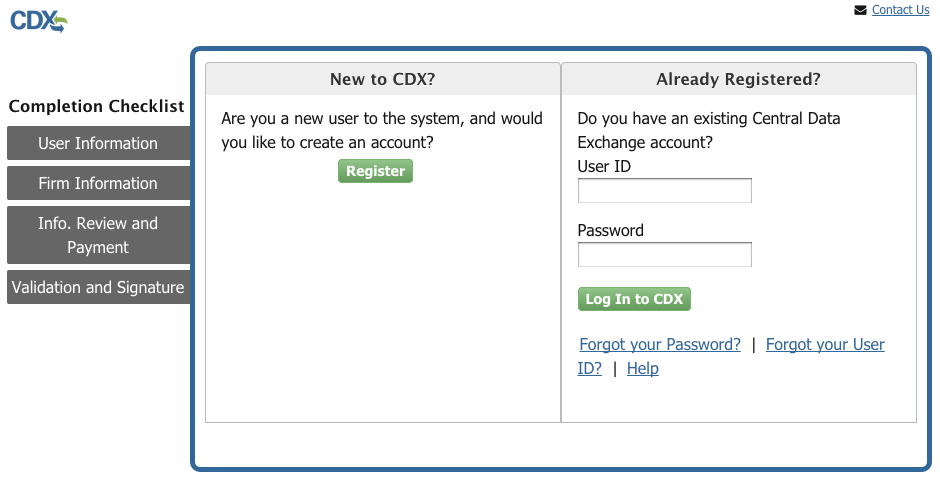

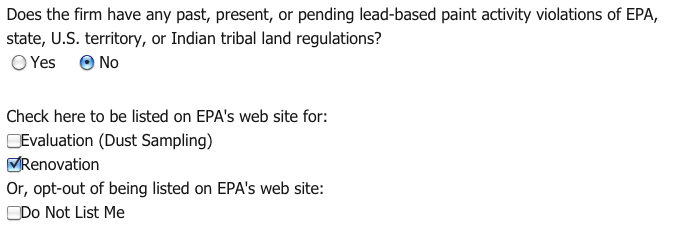
6. Next, select if the Firm has had an previous lead violations against it. You can also select to have the EPA list your company as a certified Renovation Firm on their website:
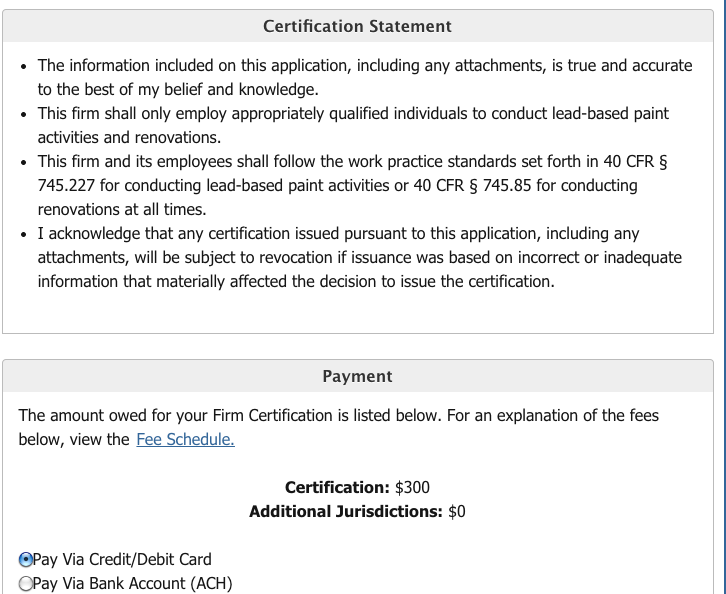
8. The final step to to attest to the information you have provided in your application, and digitally sign and submit your information. You will receive a confirmation email from the EPA/CDX with your receipt. Within 90 days, the EPA will review your application and mail you a Certified Lead-Safe Firm Certificate.
For technical issues with the CDX system, call 888-890-1995.
 EPA Lead-Safe Firm Certification